
The dealing machine emulator is a test bed for determining the requirements for the interface to a separate, standalone device for distributing predetermined bridge deals. That is, the deals will already exist in some form on the computer—either in storage or as a file—and they will be sent to the external device.
The rationale and design considerations for the physical dealing machine are on the page linked here.
The external dealing machine may or may not look like the emulator web page, but it will have similar control and display features, and it will need the same data as the emulator: board number, dealer, vulnerability, and the cards for each seat.
The emulator turns on a blue “light” (really just a dot) above each card from the current deal for the selected seat. An actual dealing machine might do something similar, or it might actually “deal” a card by moving it in some fashion. But to know which cards to light up or deal, the machine will need only the information used by the emulator.
The emulator is currently only available in the beta version of the deal generator. That version is reached at this URL, which is also listed as the “development version” on the main page of Bridge, Out Ahead.
To use the emulator, you must have at least one deal present in the deal display. It also works with multiple deals. To activate the emulator, click the “Deal-Lightful Emulator” button just above and to the right of the deal display, as shown here:

You will then see this modal web page (that is, it takes over and obscures the rest of the deal generator page):
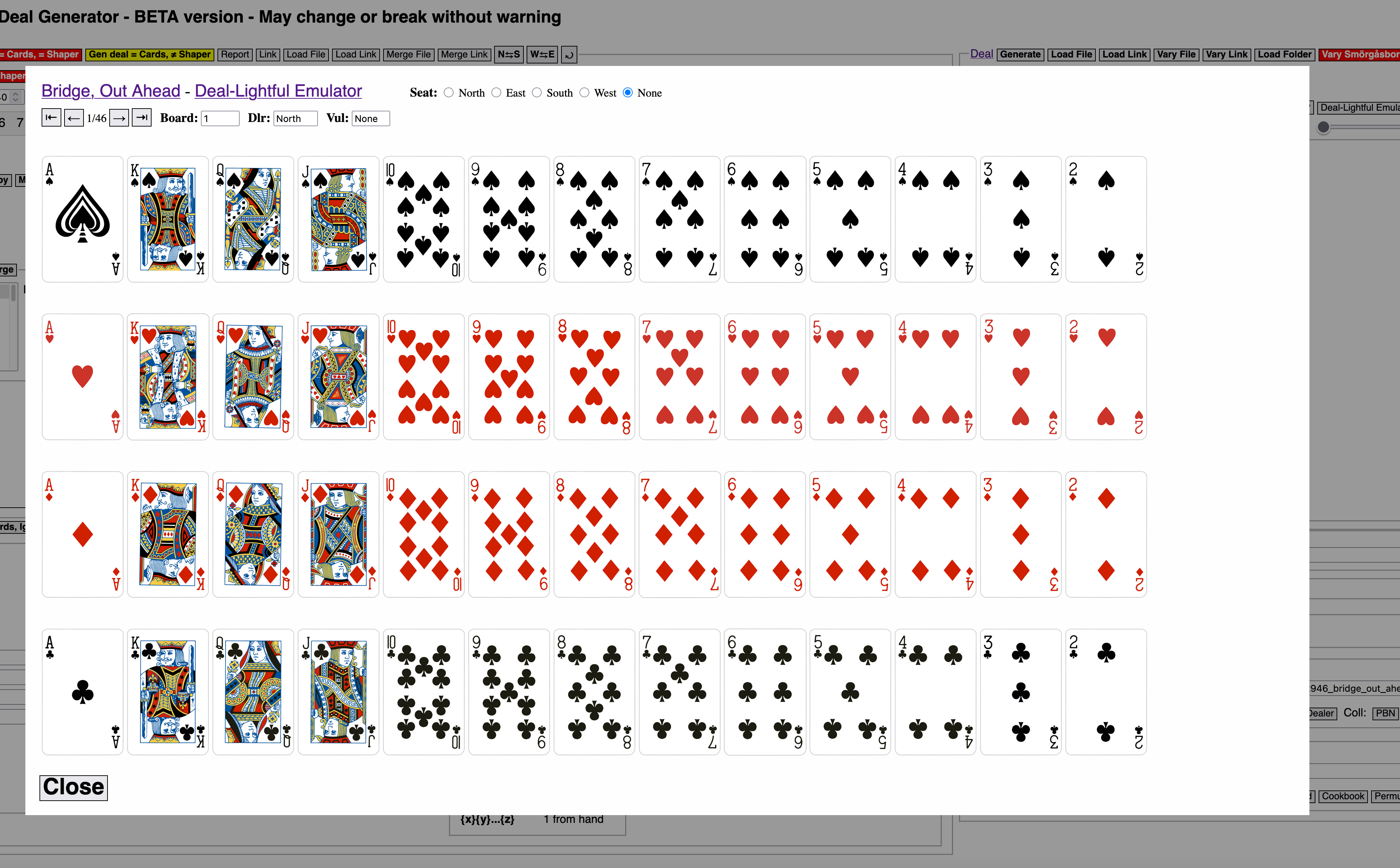
The emulator has all 46 boards of this set available to it. When you activate the emulator, and when you use the scroll arrows to move from one deal to another, the seat selection radio control always resets to “None” so that the dealing machine doesn’t show any player’s hand. That is, it gives no visible clue as to which cards belong to whom.
To “deal” a hand to a seat, select that seat’s radio button at the top of the emulator page. Here I have selected South. Blue dots appear above South’s cards:
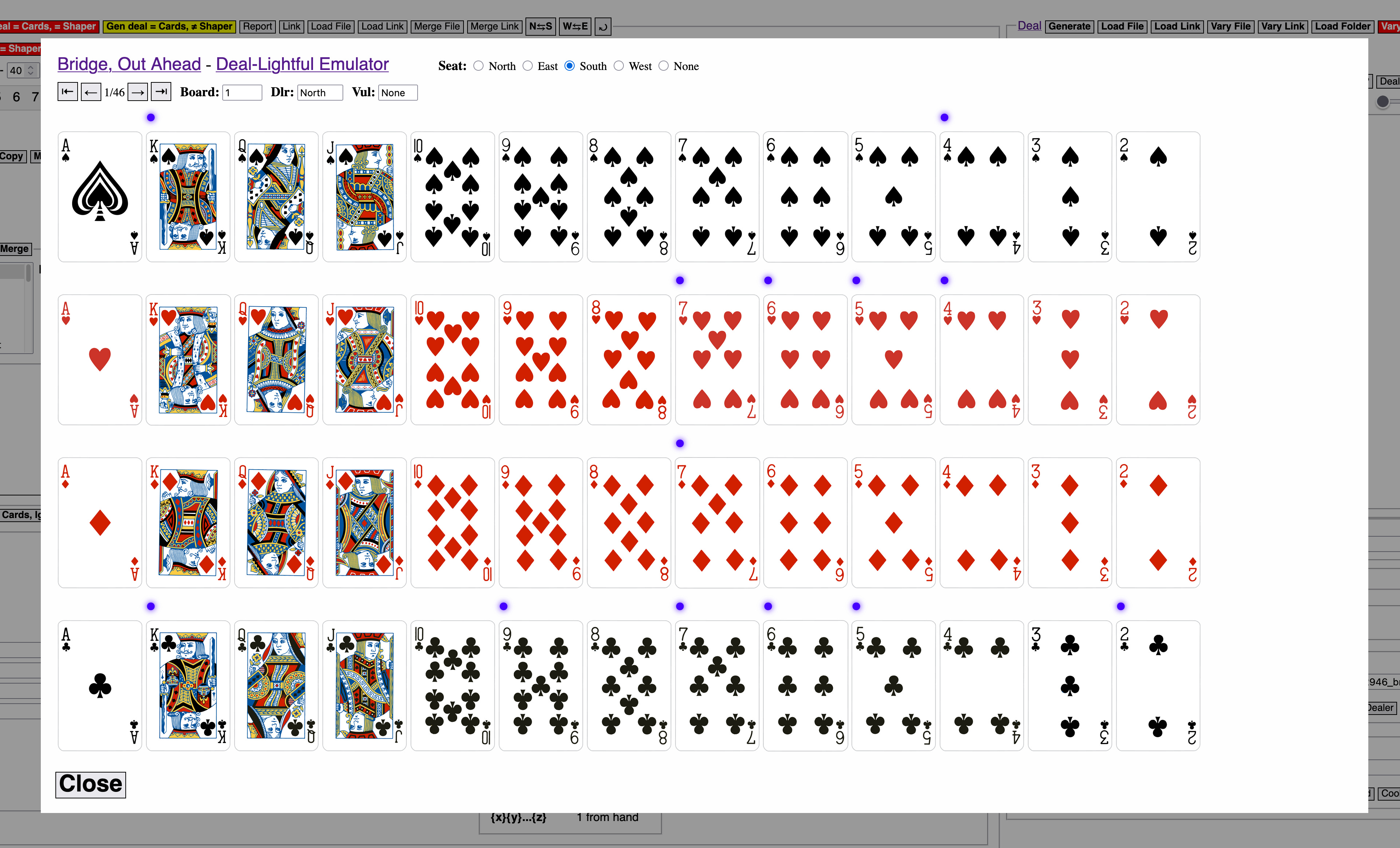
Checking South’s hand back on the deal display panel, it matches the cards lit up by blue dots on the emulator:
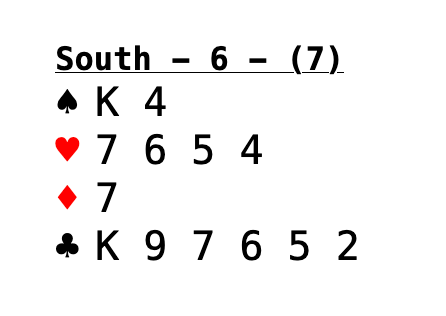
So, emulating the dealing of phsyical cards is all that the emulator does.
If the physical dealing machine only indicates a player’s cards, such as with a light, then that player would extract just those cards.
If the physical dealing machine does something else, such as raise just the one player’s cards from inside a machine, or eject just that player’s cards into a tray, or open little sliding doors from in front of the cards, then it would do so just for the “blue dot” cards shown in the emulator.
Note that the emulator is, as I wrote up front, just a test bed. It is not the actual interface to the physical dealing machine (which, in fact, doesn’t exist yet).
The actual interface to the physical dealing machine will be a data transfer initiated from the bridge deal generator. That transfer will occur either through a USB port or over Wi-Fi (again, the machine doesn’t exist yet so all things are possible). The transfer will be initiated by clicking one of the “Dealer” buttons in the Save Deal File panel:
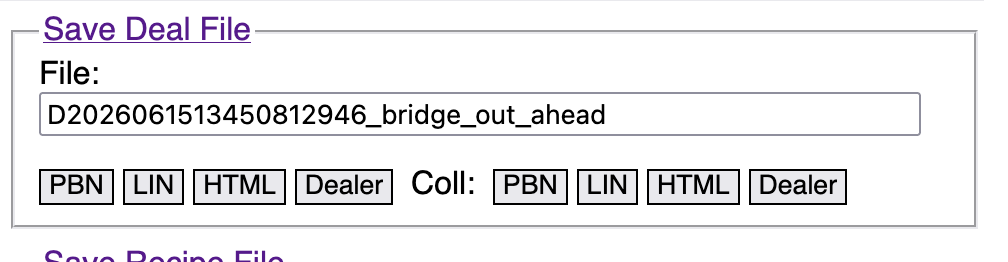
At the moment, since there is no physical dealing machine, those “Dealer” buttons just take you to the emulator because that’s all we have right now.