
If you have a deal or deals in a PBN (portable bridge notation) file, you can, with a bit of effort, make that file suitable for loading into BBO, where you can replay the deals in a bidding table or a teaching table.
This guide will work with any PBN deal file. Here, I will demonstrate how to load deals into BBO starting at the point where you have received an ACBL Live for Clubs email with your results from a club session.
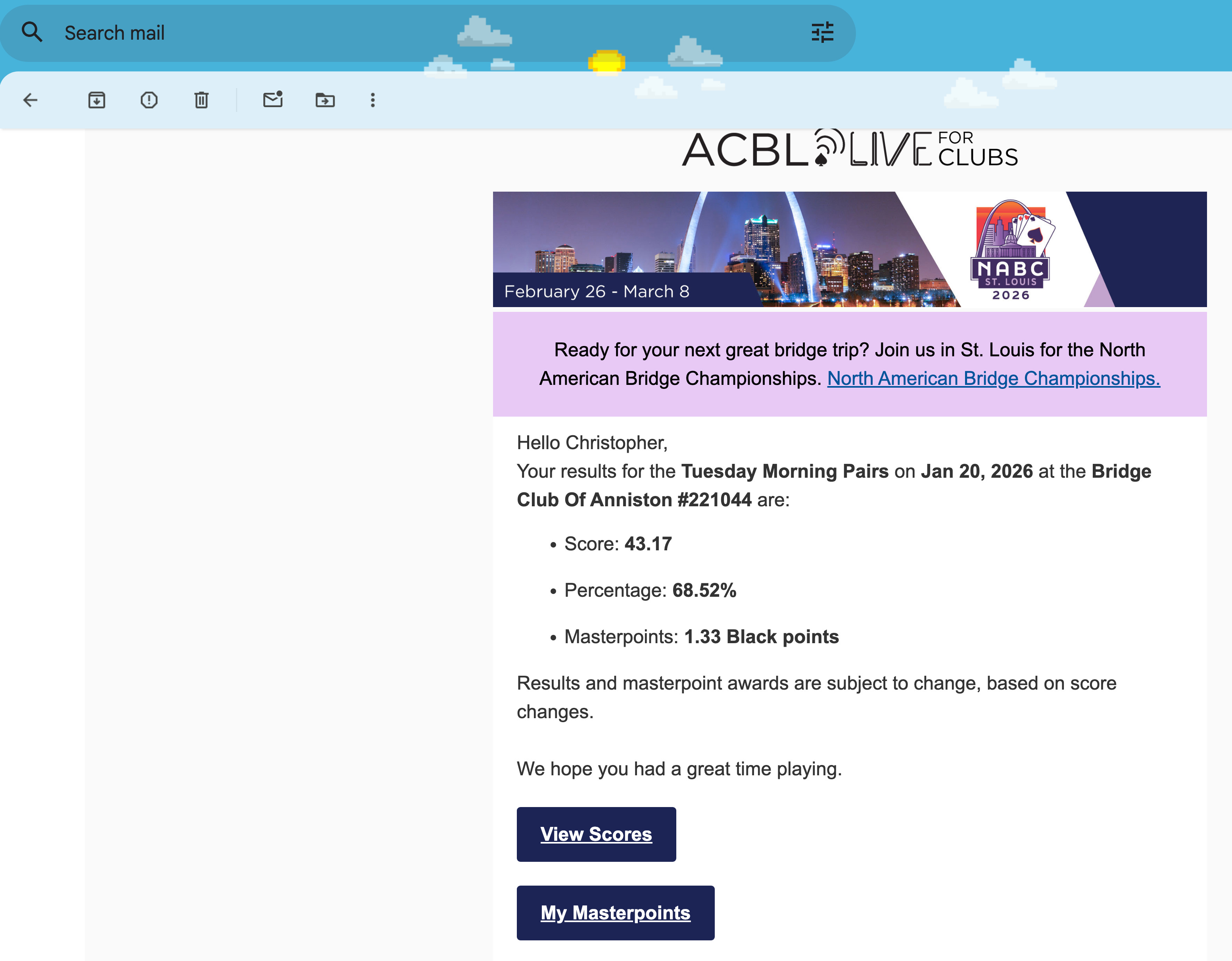
Click the “View Scores” button to get to the results web page.
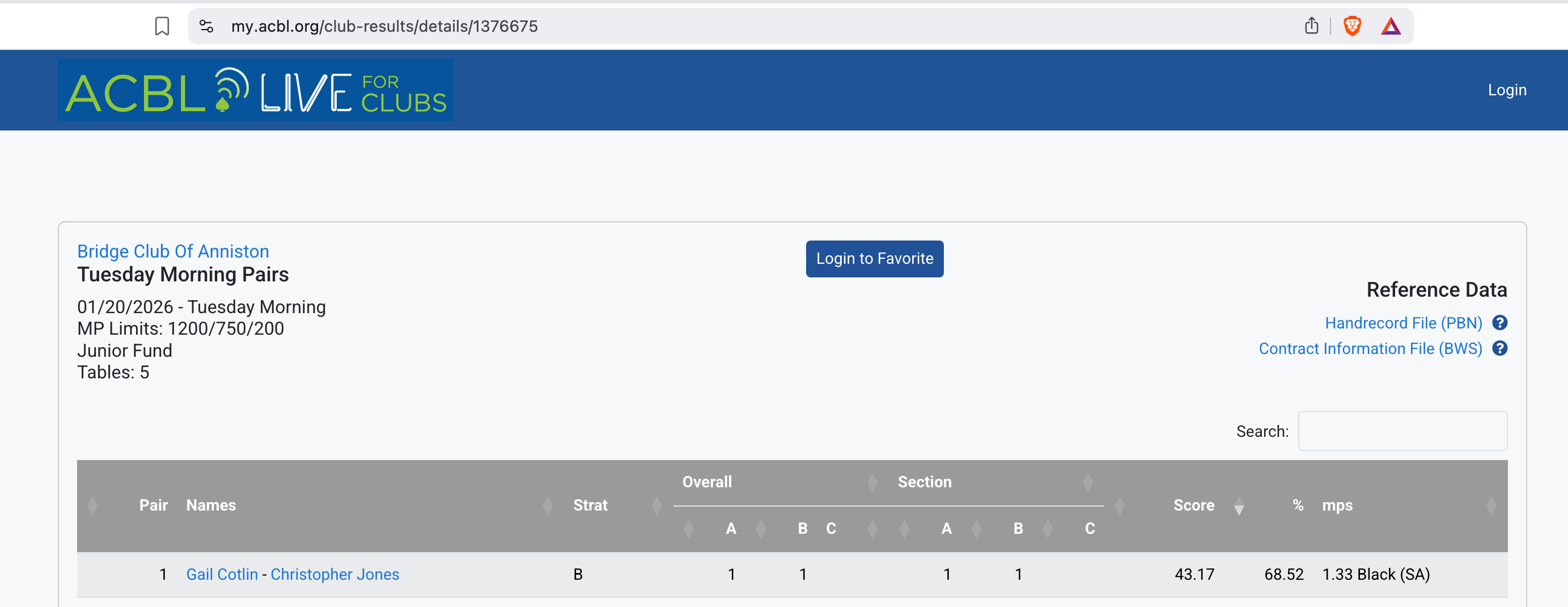
In the upper right of the results web page, click on the link that says “Handrecord File PBN)”.
When prompted, save the PBN file where you can find it, such as your Downloads folder.
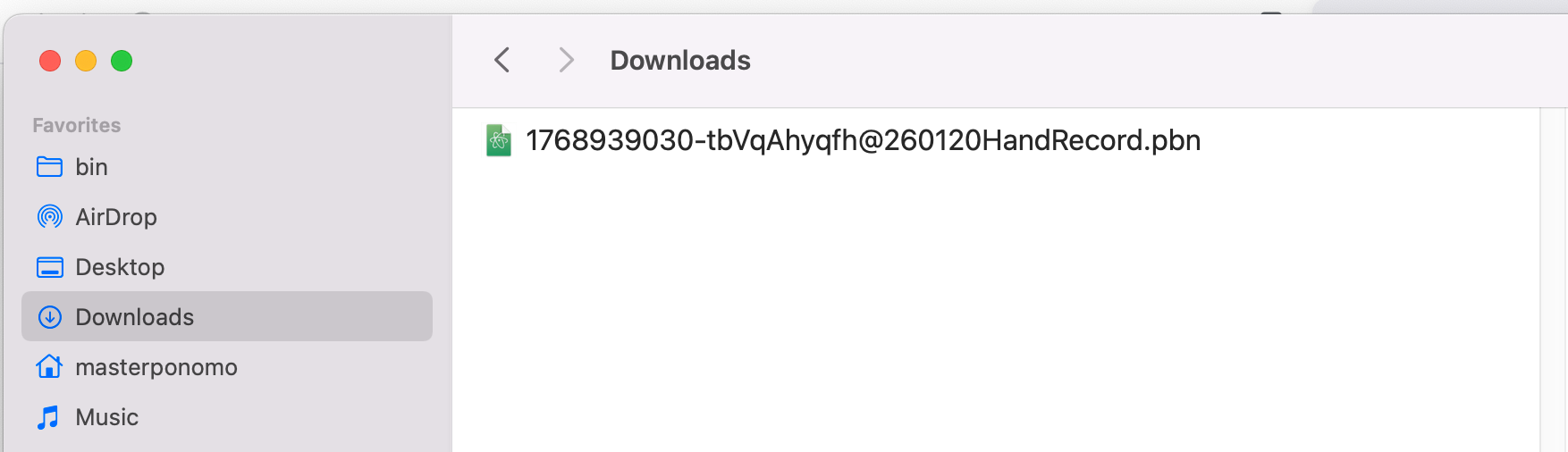
Note the “.pbn” file extension. You cannot upload PBN files to BBO. You need to get the file into LIN format. One way to do that is with my fantabulous system, at this link.
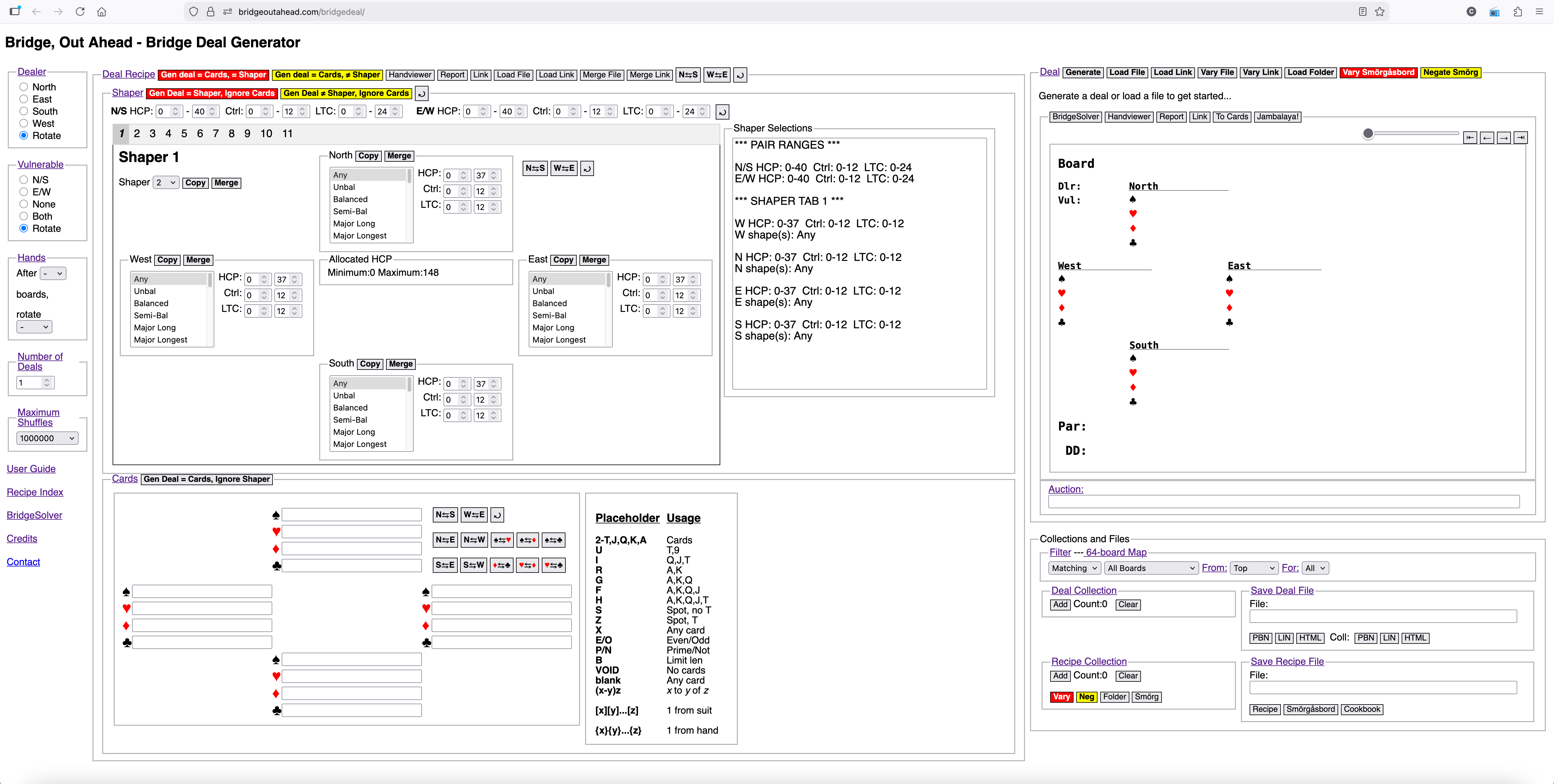
On the right side of the web page, there is a Deal panel. Click the Load File button.
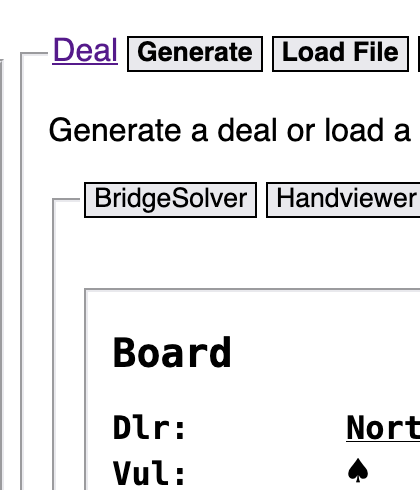
You should see a file chooser dialog. Navigate to wherever you saved the PBN file. Double-click the PBN file.

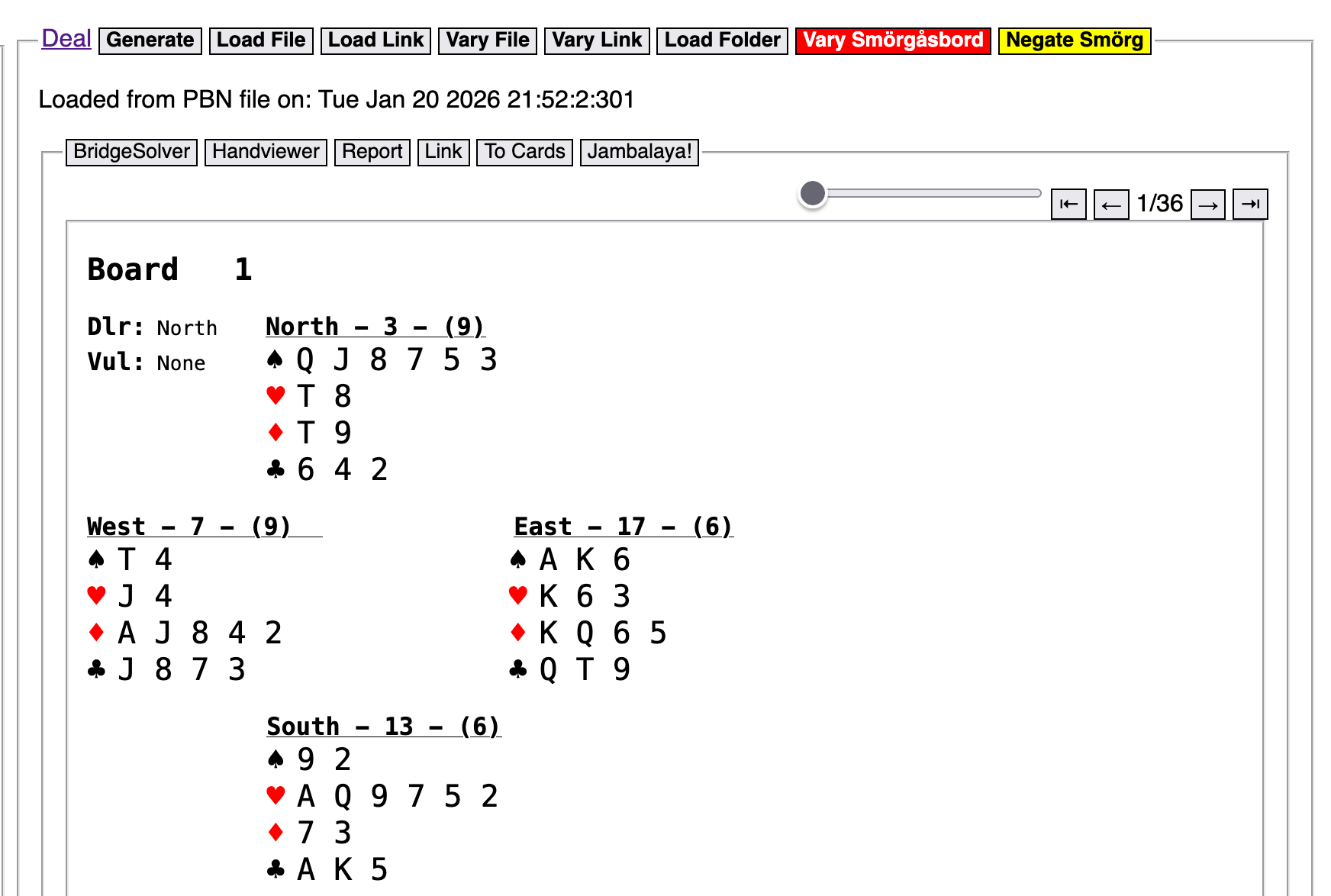
After double-clicking the PBN file, You should see a deal displayed in the deal panel. You should also see evidence that there is more than one board—here you can see from the board count at the upper right that you are looking at board 1 of 36.
Below the Deal panel there is a Save Deal File panel with two sets of three buttons. The system has already inserted a name for any file you choose to save from the contents of the Deal panel; you can keep that name or type in whatever you want. Don’t add a file extension—the system will take care of that for you.
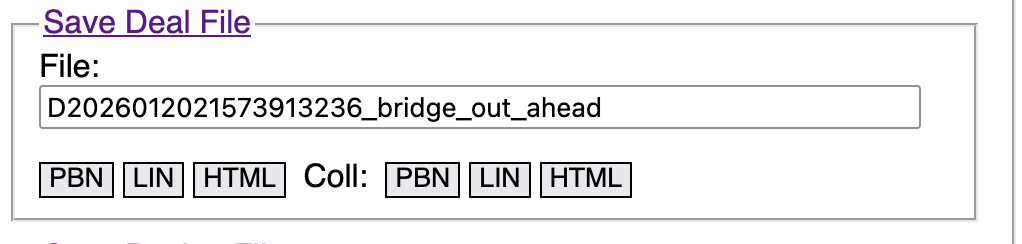
Click the leftmost “LIN” button to save the contents of the Deal panel (all 36 boards) to a LIN file.
You should see a file save dialog. Navigate to where you saved the PBN file. Save the LIN file to the same folder.

You now have a file suitable for loading into BBO.
Log into Brigebase.com. On the Home page, click on the “Account” tab at the far right, and use the arrows at the top of the Account panel to shift right until you can see the “Deal archive” label at the top of the panel.
Click the “Deal archive” label. You should see a list of folders. I have many folders, but you may only have the one called “My favorite hands” if you haven’t added any of your own.
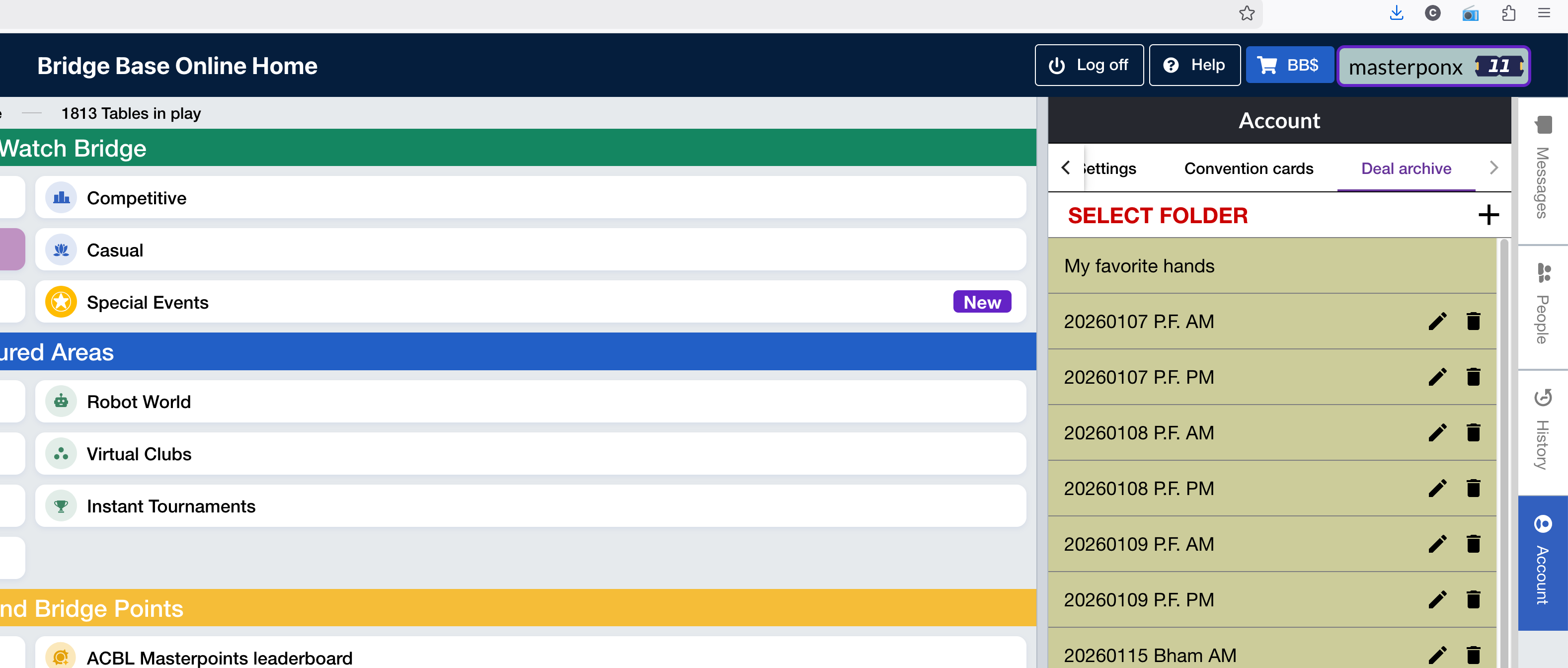
Click the plus sign to the right of “Select Folder” at the top of the list of folders.
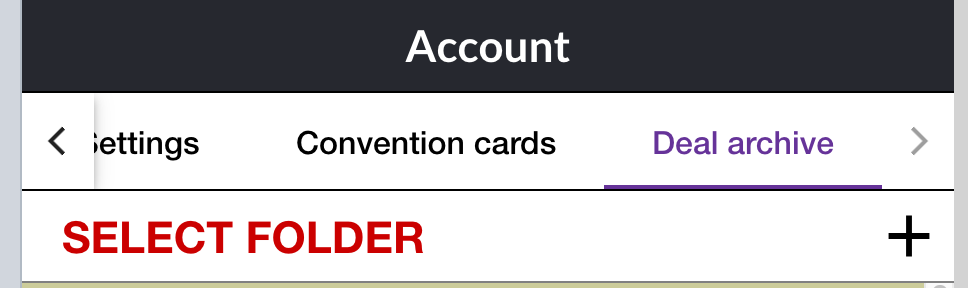
You should see a new folder called “Untitled folder” near the top of your list of folders.
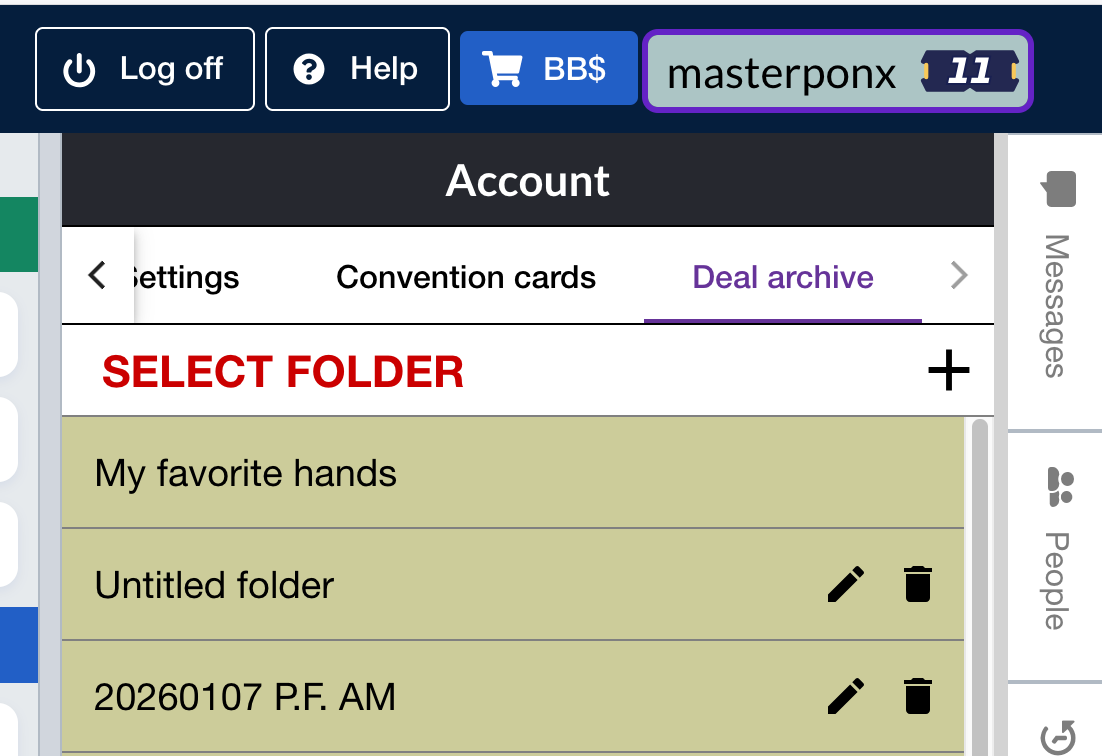
Click the pencil icon next to the new folder and change the name to something meaningful to you. I use a subject, or the date and location of the session where the boards came from.
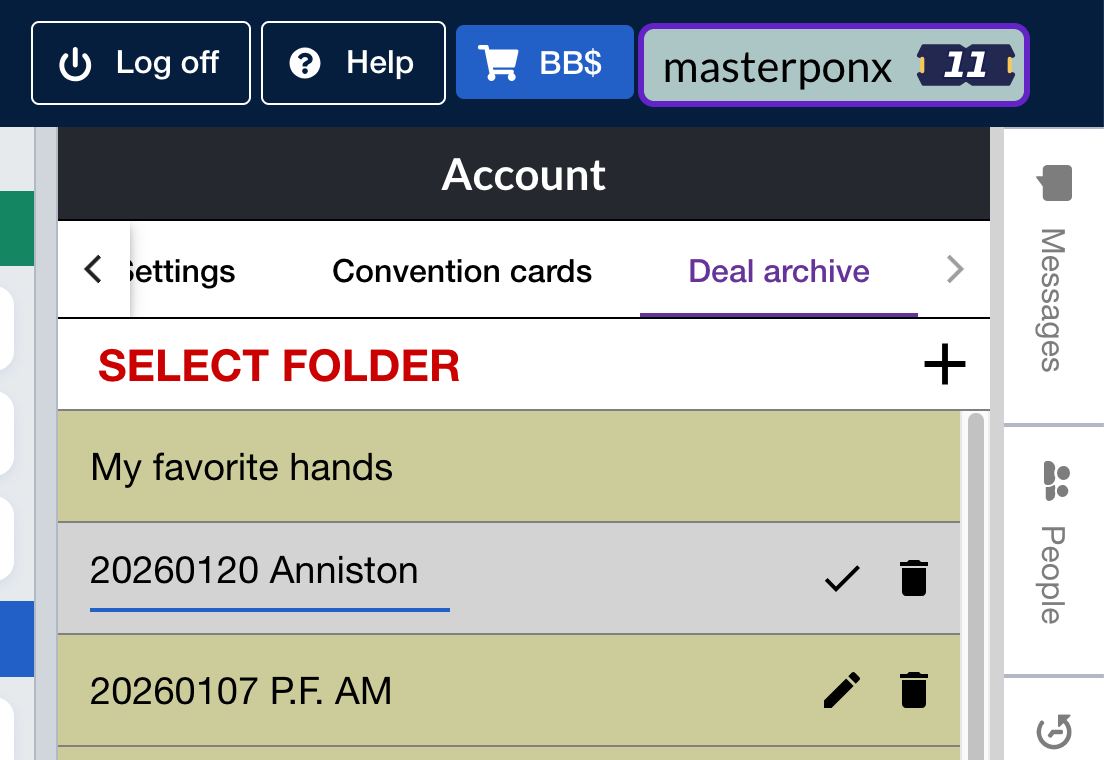
After typing the new name, click the check mark to save the new folder name.

Make sure you have the focus/highlight on the new folder, because the next action should affect only that folder.
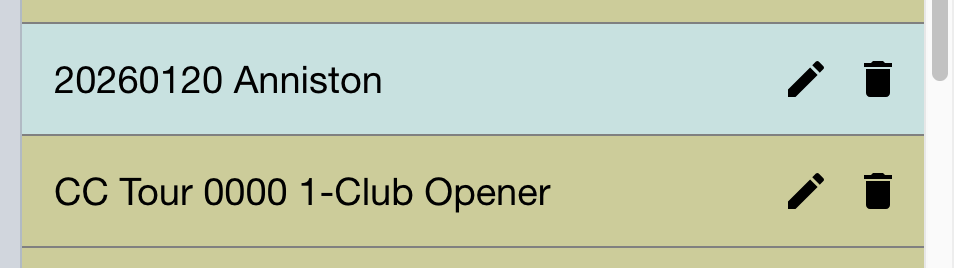
Once your folder has the focus/highlight, click the blue “Import LIN File” button at the bottom of the Account panel.
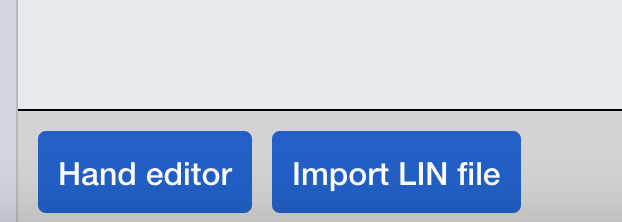
A dialog will pop up.
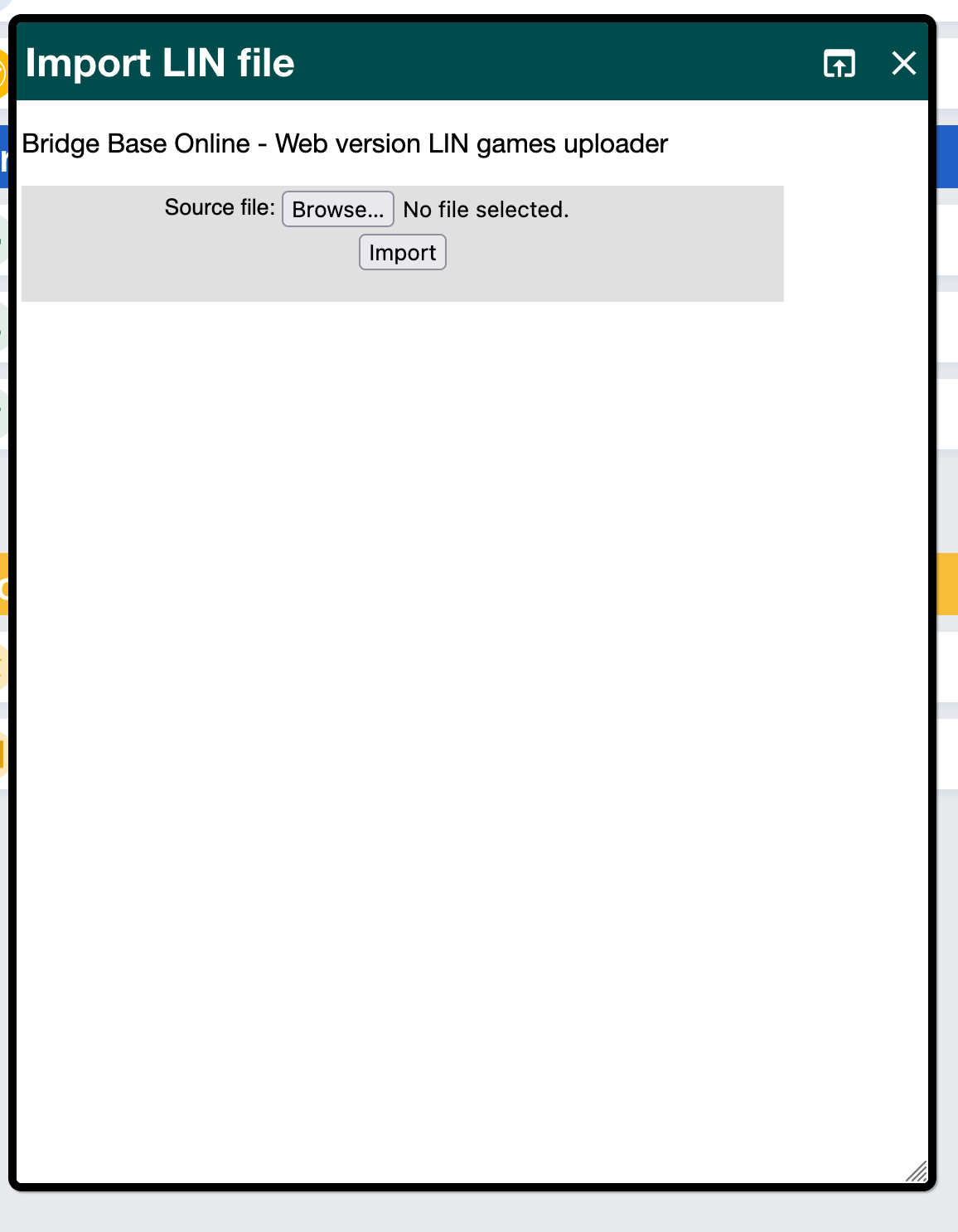
Click the “Browse” button in the Import LIN File dialog. A file chooser dialog should pop up. Navigate to where you saved the LIN file, and double-click it.

After you double-clock the LIN file, click the “Import” button of the Import LIN File dialog. If the file contents are valid, you should see a message telling you how many boards were found, and into which Deal Archive folder they were loaded:
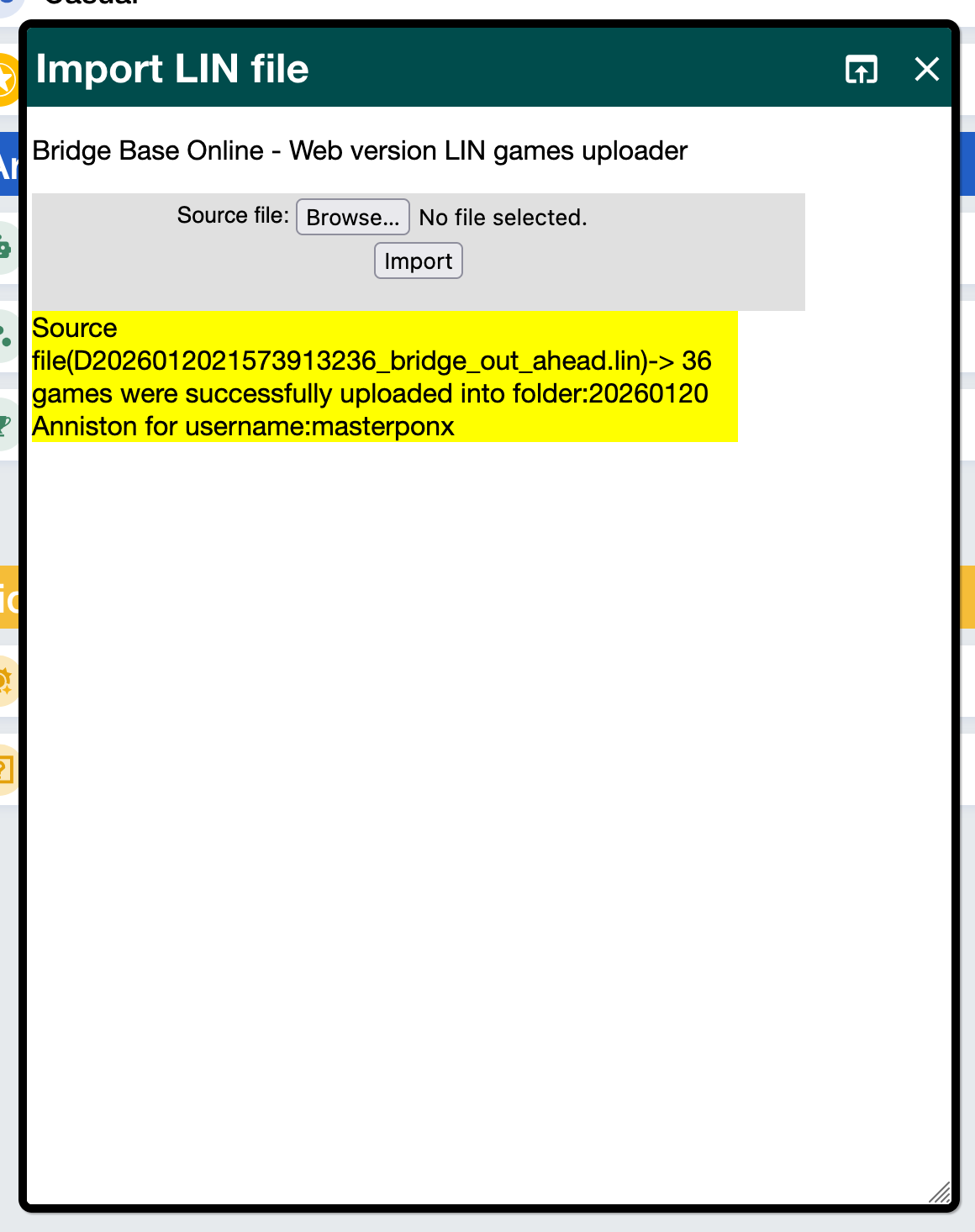
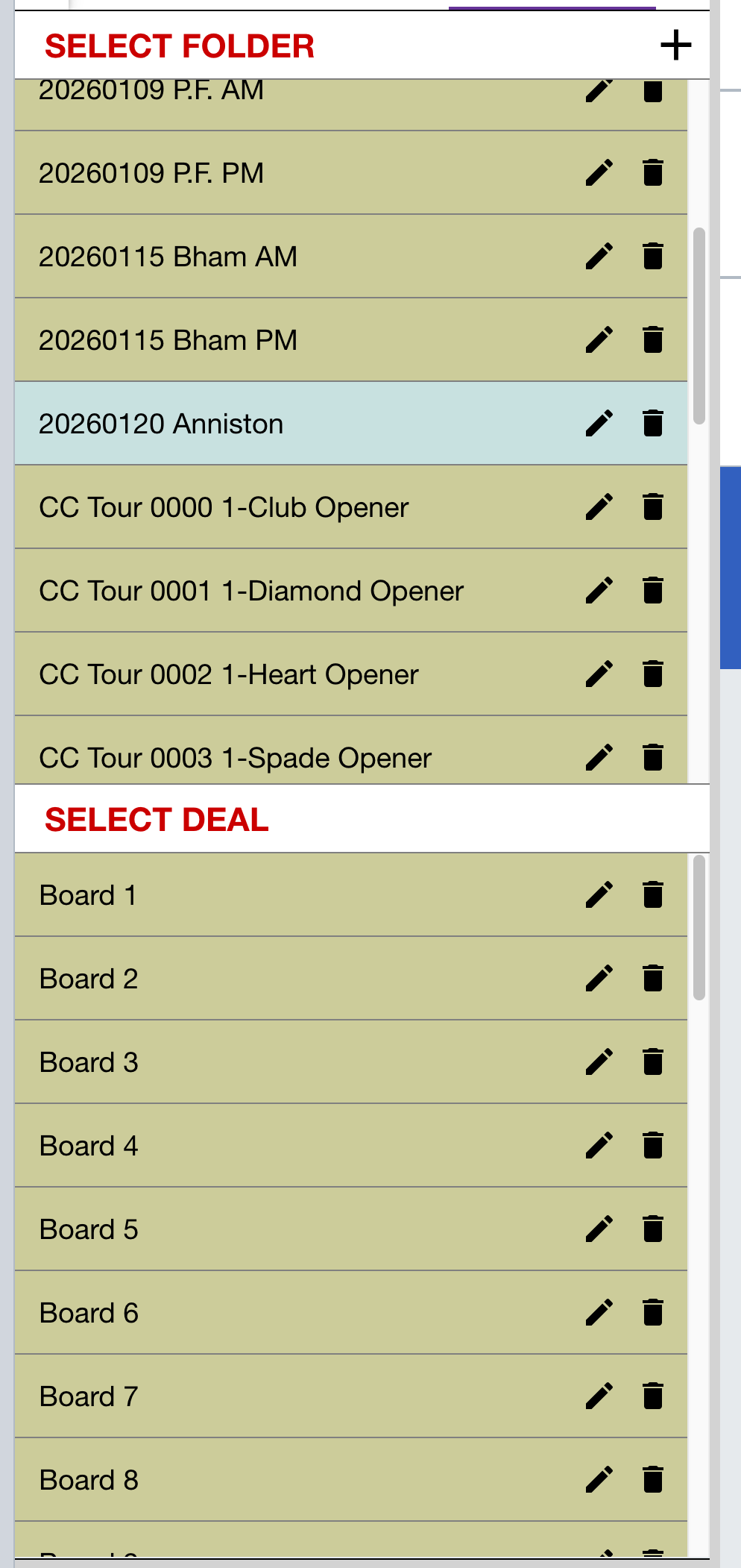
Close the Import LIN File dialog. You might not see the list of boards in your new folder yet, but only because the Bridgebase deal archive panel doesn’t refresh right after you load the boards. Click on a different folder name (maybe the My favorite hands folder), then click on your new folder name again. You should see a list of boards that you just loaded.
Here, with my new folder highlighted, you see a list of boards under the Select Deal label further down the panel.
Now you can set up a bidding table or a teaching table, and you can use your new folder as the source of boards for that table. You can also export one board at a time from that folder into your table—that’s very handy for playing and replaying the same board multiple times when you are trying to figure out a problem.